> ## Documentation Index
> Fetch the complete documentation index at: https://docs.grdd.dev/llms.txt
> Use this file to discover all available pages before exploring further.
# Sign Up Process
> Get started with GNet Connect
Welcome to GNet Connect! This section guides you through the sign-up process and helps you get your account set up quickly and efficiently.
## Sign Up Steps
1. **Choose Your Account Type**
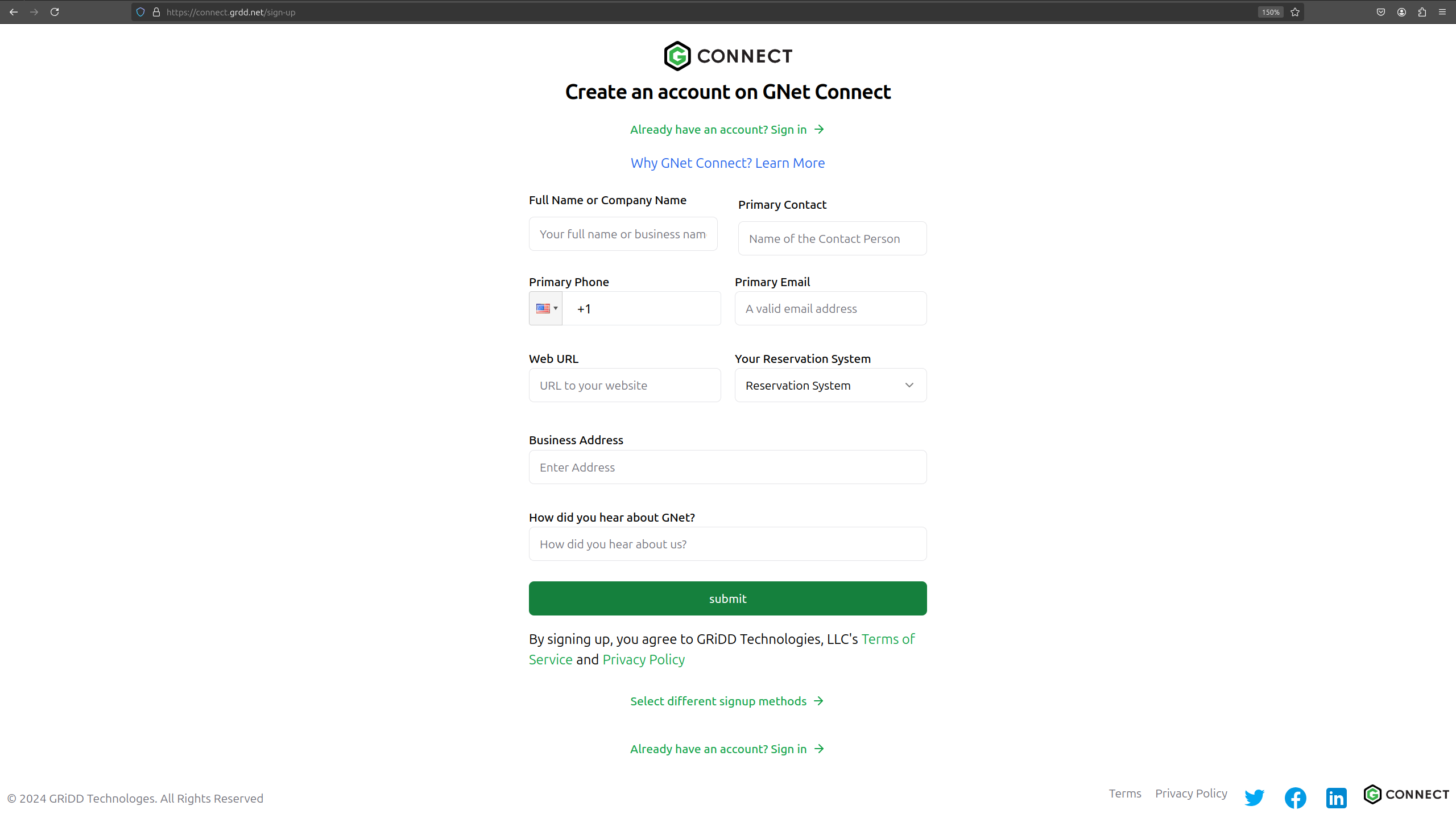
* For Companies: Visit [GNet Connect Sign Up](https://connect.grdd.net/sign-up)
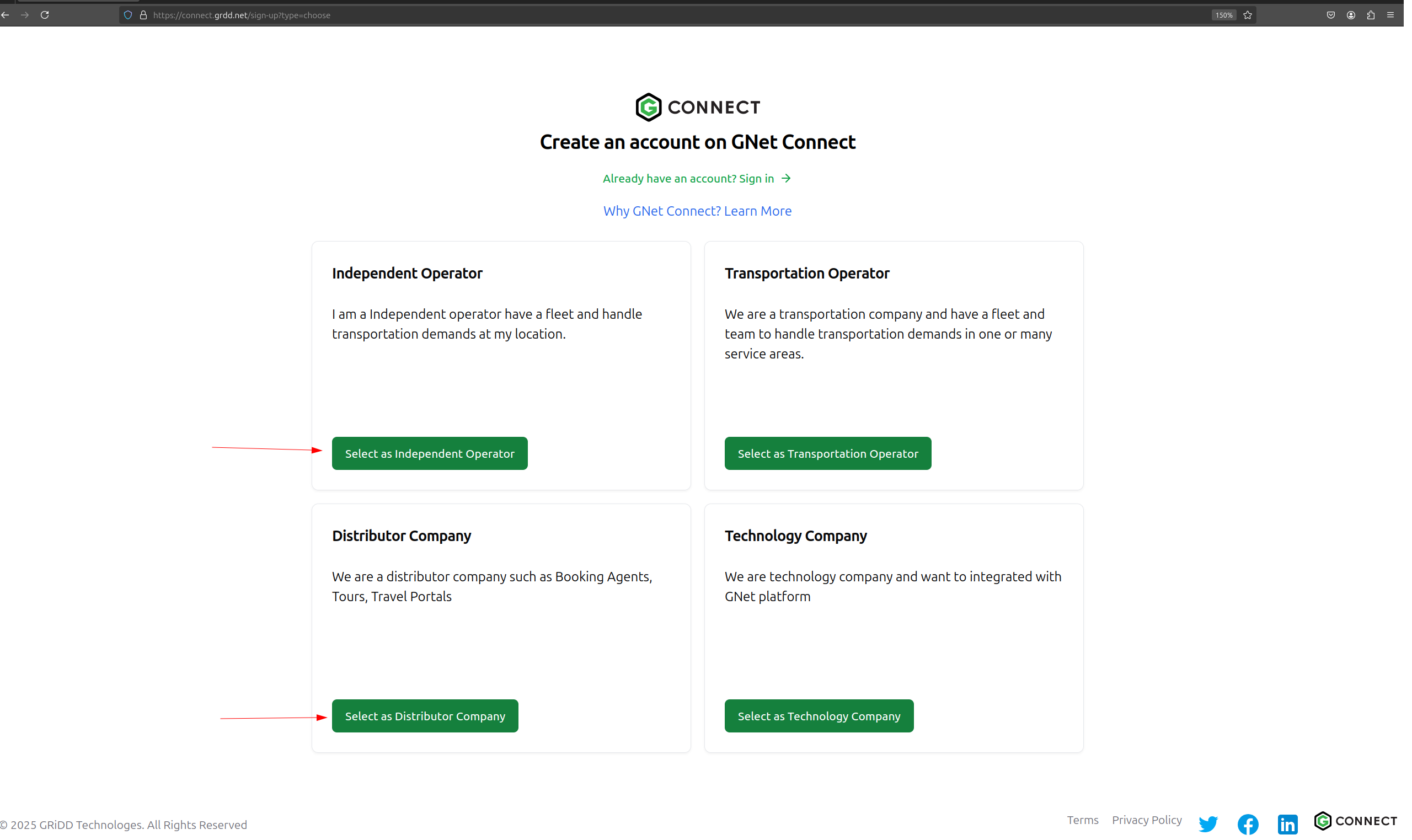
 * For Independent Operators/Distributors: Use our [Account Type Selection](https://connect.grdd.net/sign-up?type=choose)
 2. **Account Review**
* Submit your registration details
* Our team will review your application
* You'll receive an activation email once approved
3. **Account Activation**
* Click the activation link in your email
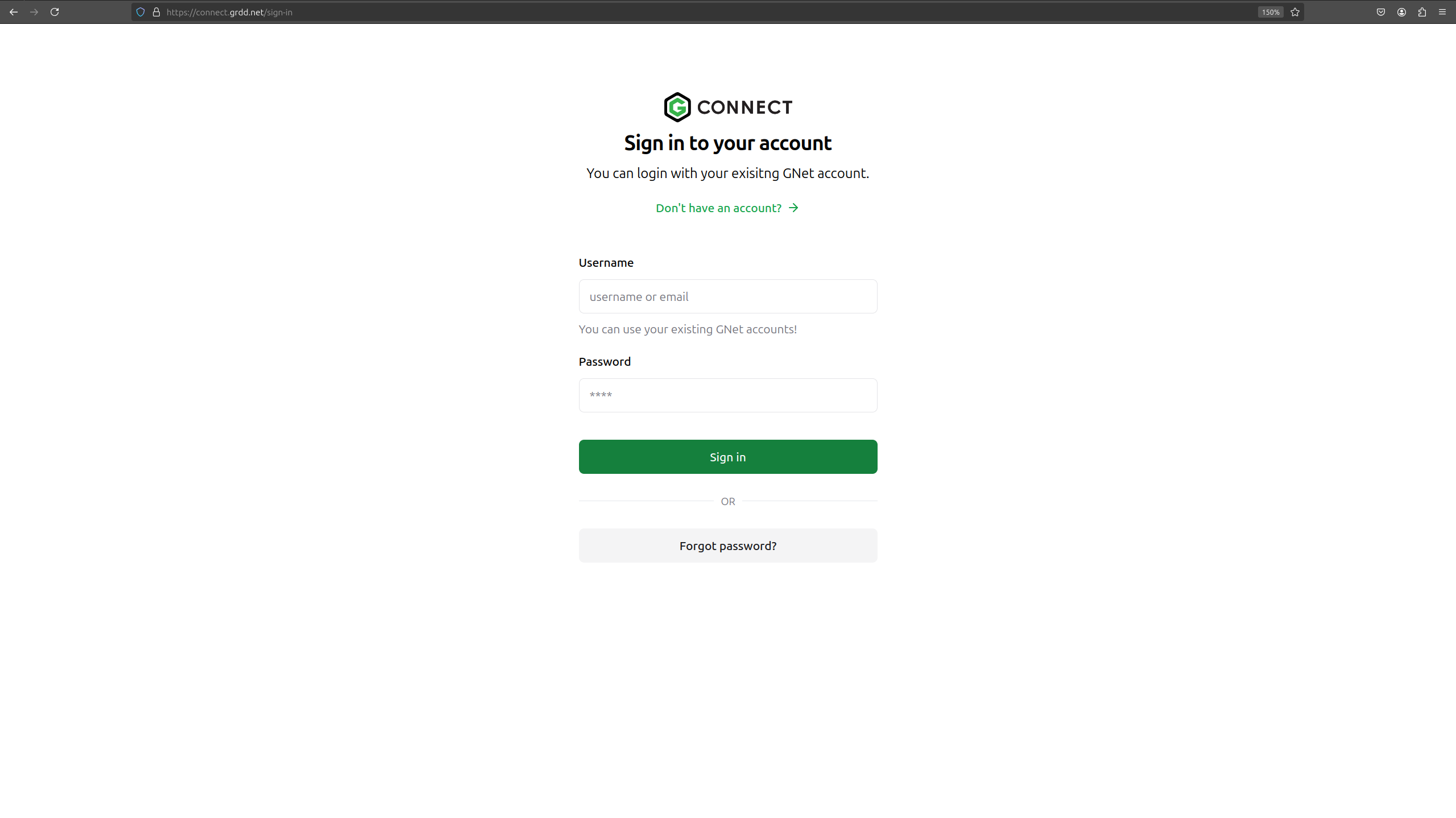
* [Sign in to your account](https://connect.grdd.net/sign-in)
* Set up your profile and preferences
2. **Account Review**
* Submit your registration details
* Our team will review your application
* You'll receive an activation email once approved
3. **Account Activation**
* Click the activation link in your email
* [Sign in to your account](https://connect.grdd.net/sign-in)
* Set up your profile and preferences
 4. **Complete Your Profile**
* Add your company information
* Configure your services
* Set up necessary integrations
* Enhance your platform presence
\[Screenshot: Account Selection Page]
Existing GNet users can use their credentials to sign in directly at the [login page](https://connect.grdd.net/sign-in).
4. **Complete Your Profile**
* Add your company information
* Configure your services
* Set up necessary integrations
* Enhance your platform presence
\[Screenshot: Account Selection Page]
Existing GNet users can use their credentials to sign in directly at the [login page](https://connect.grdd.net/sign-in).